
The Mines Career Center strives to support Mines students and recent graduates in reaching their career path goals by serving as the bridge between employers and students.
With access to hundreds of diverse employer job postings, career and industry events to provide networking opportunities, and career assistance in the form of job search advice, resume and cover letter reviews, salary negotiation conversations, practice interviews, and more, Mines students can build confidence and gain tools and techniques useful to evaluate and pursue career opportunities.
Career Center Operations
The Career Center is currently operating with both in-person and virtual services. We are available to support students, alumni, faculty, staff, and industry partners during regular business hours. For assistance:
- Students can request appointments via DiggerNet
- Advising drop-in hours: Monday – Friday, 2-4 pm
- For career document reviews please send to CareerDocs@mines.edu
- Email or leave us a voicemail: both are checked regularly
- With additional questions, use the Raise Your Hand form
Contact Us
Career Services
1200 16th St., E180
Golden, CO 80401
303-273-3233
Monday-Friday
8:00 am – 5:00 pm
Positive Outcomes for 2021 – 2022 Mines Grads
%
BS Grads
%
Master's Grads
%
PhD Grads
Career Resources
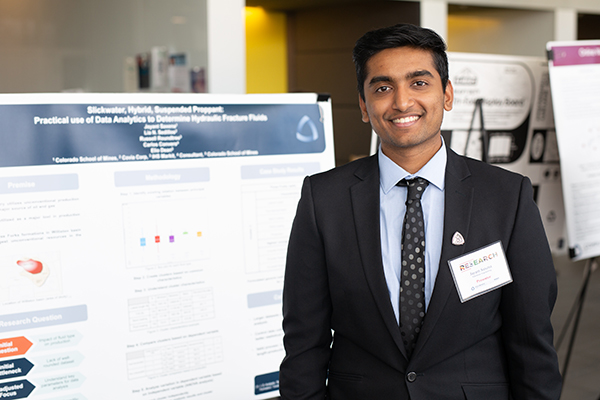
Students
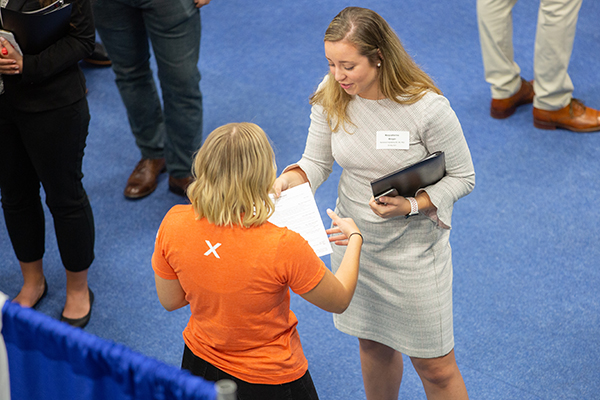
Employers

Alumni
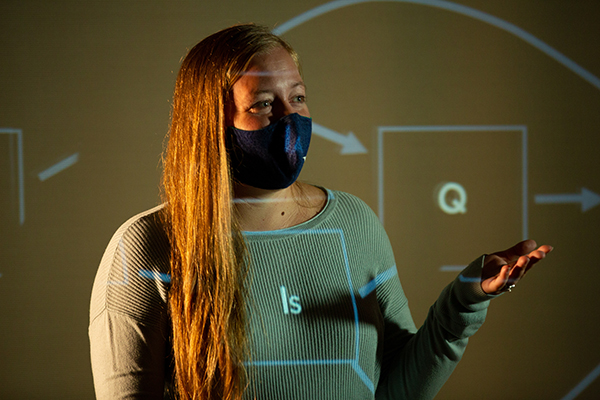
Faculty & Staff

$84,400
Average Starting Salary
for Grads
#5 by Salary Potential,
Best Public Colleges, Payscale

21%
Grads Continue with
Advanced Education
The annual salary survey consistently
demonstrates the value of a Mines degree.
VIP Professional Development
The VIP Professional Development program is designed to improve Mines students’ professional skills.
The Colorado School of Mines focuses on six competencies to differentiate our students from other universities. These competencies include: communication, career self-management, professionalism, collaboration, successful thinking, and equity and inclusion.
The VIP Professional Development program provides resources for students to become the professional that every employer wants to hire! Follow the link below to learn more about the program’s competencies, events, and goals.
OUR COMMITMENT TO INCLUSION AND DIVERSITY
The Colorado School of Mines Career Center is committed to embracing the inclusion and diversity of our campus community, thereby creating equal opportunity for everyone. We feel that acknowledging, respecting, and promoting each student and graduate, with their distinctive combination of age, sex, gender (including gender identity and gender expression), race, ethnicity, religion, national origin, disability, sexual orientation, veteran status or military service, and socioeconomic background, brings a creative, innovative and valued new workforce to our family of employers.
Those with accessibility accommodations or support needs are encouraged to contact L. Jane Cain at 303-273-3233, lcain@mines.edu.